- Website failover
- Website down: what a business owner should do
Website down: what a business owner should do
If your company website stops opening, the first 10 minutes decide how many leads you lose. The order is simple: make sure the site is down not only for you, read the error to see what broke, and call whoever can fix it right away — the hosting provider, the domain registrar or your developer. Below is a step-by-step guide without technical jargon.
Step 1. Make sure the site is down for everyone
Open the site on your phone over mobile data — with Wi-Fi off — and on your work computer. Ask a colleague in another city to do the same. Even faster: free uptime-check services open the address from different cities and countries and show the result.
- Only fails in the office — most likely the office network or ISP, not the site.
- Only fails over mobile data — possible carrier issues or mobile internet restrictions in the region.
- Fails everywhere — the problem is on the site’s side. Go to step 2.
Step 2. Read the error message
The browser almost always hints at what broke. Find what you see on screen in the table:
| On screen | What it means | Whom to call |
|---|---|---|
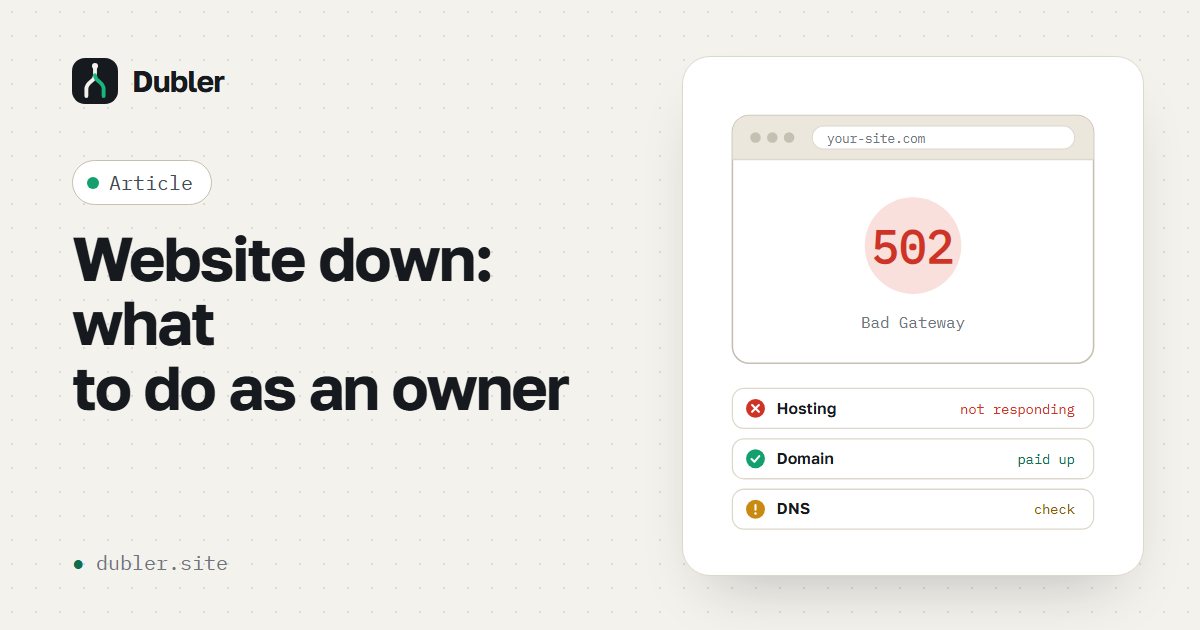
| 502 Bad Gateway, 503 Service Unavailable, 504 Gateway Timeout | The server is overloaded or down | Hosting, developer |
| “This site can’t be reached”, ERR_CONNECTION_TIMED_OUT | The server doesn’t respond or the hosting network is down | Hosting |
| “Server IP address could not be found”, DNS_PROBE_FINISHED_NXDOMAIN | A DNS or domain problem | Domain registrar or whoever manages DNS |
| A registrar placeholder page, “registration expired” | The domain wasn’t renewed | Registrar — renew immediately |
| “Your connection is not private”, NET::ERR_CERT_DATE_INVALID | The SSL certificate expired | Hosting or developer |
| Site disabled by the host, “account suspended” | Most often — the balance ran out | Hosting — check the balance |
| 500 Internal Server Error, a blank page | A code error, often after an update | Developer |
| The site opens, but the form won’t send or the page loads forever | An external service hangs: captcha, map, counter | Developer |
Step 3. Call whoever can fix it
- Hosting. The support number is in your account dashboard or the contract. Check the balance too: sites are often disabled for non-payment.
- Domain registrar. Check whether the registration expired and whether the DNS servers changed.
- Developer or contractor. Tell them when you noticed the outage and send the error text or a screenshot.
To save support time on clarifications, send an email using this template:
Hello! The website example.com has not been opening since [time]. Error: [text or screenshot]. Checked over mobile data and from the office — it doesn’t work. Contract or account number: [___]. Please let us know the cause and the estimated recovery time.
Step 4. Don’t lose leads while the site is being fixed
- Ads. If the site won’t be back within the hour, pause your campaigns or switch ads to calls and messengers — otherwise the budget goes to clicks into nowhere.
- Clients. Post a short note on social media and messengers: “Our website is temporarily unavailable, we take orders by phone”.
- Managers. Warn the sales team that leads now come only by phone and messengers.
- Temporary page. If the outage drags on, a simple page with contacts and a form can be launched on another server — faster than waiting for the main one.
Step 5. Make sure it doesn’t happen again
- Turn on auto-renewal for the domain and hosting, and check that the card and email on file are current.
- Make sure the company, not only the contractor, has access to the registrar and hosting.
- Check where backups are kept: a copy at the same host disappears together with it.
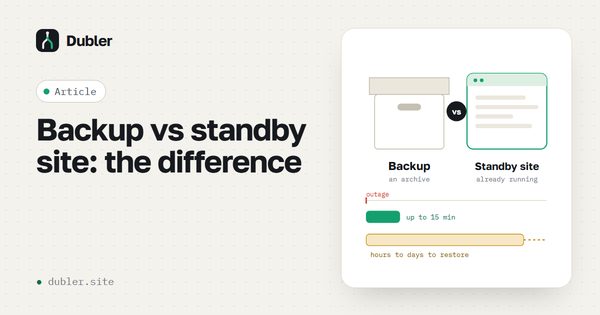
- Prepare a standby site on an independent server — next time an outage will take minutes, not hours.
Is your site down right now?
Call: +7 (932) 007-01-69. We’ll restore the site from any usable copy; if there’s none, within a day we’ll launch a temporary version with a lead form.
FAQ
Why does the site open for me but not for clients?
Your browser may show a cached copy of the page, and your computer may remember the old server address. Check from your phone over mobile data or with an uptime-check service.
How long does it usually take to fix hosting?
There’s no telling: from a few minutes to a day or more in serious data center incidents. That’s why it’s important not to wait but to switch to a backup plan right away.
The site fails only over mobile data — what is it?
Possible carrier issues or mobile internet restrictions in the region. Under “whitelist” restrictions only listed sites open — the rest are unavailable to all subscribers.
Will search rankings suffer?
A short outage usually leaves no trace. Long or repeated unavailability is noticed by search engines and may cost rankings.
More on the topic